Run Back the Miracle
Michelob ULTRA
A project transforming 1980 "Miracle on Ice" archival footage into immersive 3D holographic experiences by using AI motion capture to drive photorealistic MetaHumans.
Project Breakdown
This project was an ambitious endeavor, it was to, as faithfully as possible recreate key moments from the Miracle on Ice hockey game based on the official 1980 broadcast as our only source of reference. I was tasked with the following for this project
- RnD ways to extract the the initial mocap from the analog broadcast footage passing it to our animation team for cleanup/processing
- Coming up with a scalable and automatable pipeline of taking the processed mocap from the animation team. Import into Unreal and auto-create sequencers, control rigs, movie render queue settings, and other misc scripts through a mix of custom C++ plugin development and python scripting.
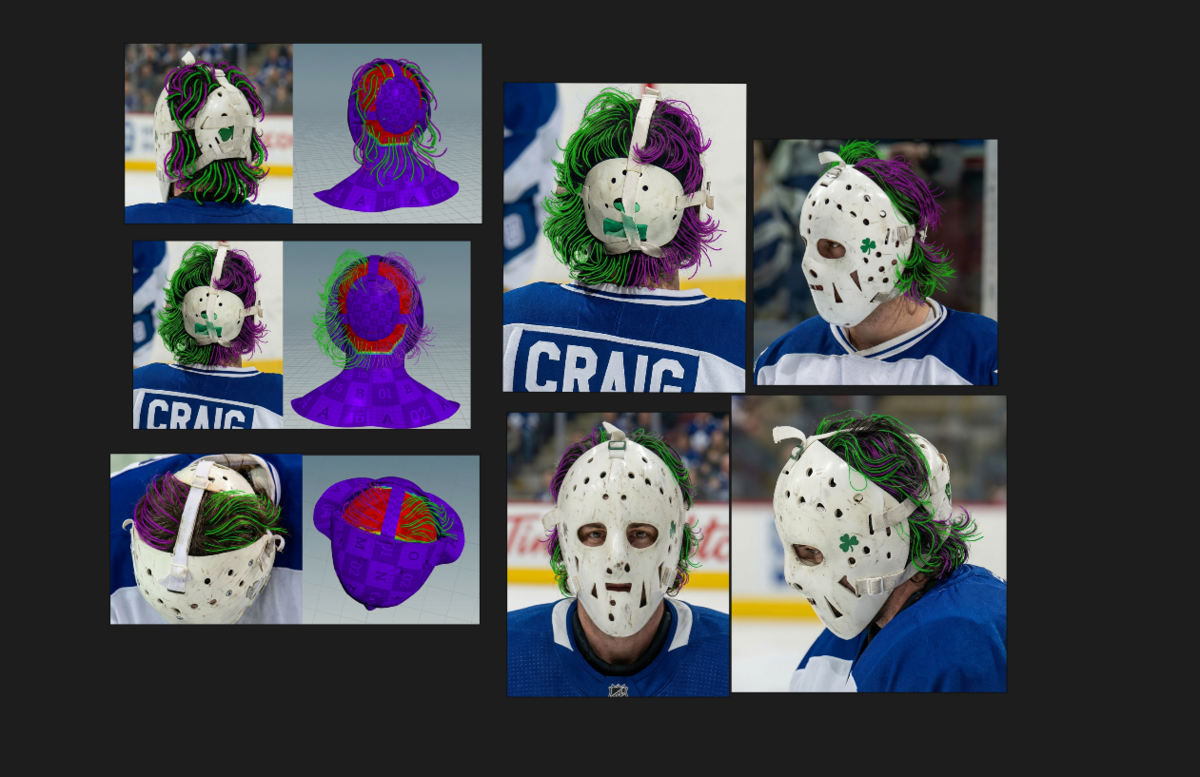
- Create a groom asset for the US Goalie, Jim Craig
AI Mocap Extraction
After a good amount of trial and error and a lot of burnt rental gpu credits. I settled upon the following workflow. The overall intuition behind this approach was one that I’ve had working with AI since the stable diffusion days, and this project if anything has further hardened my resolve that AI (at least for now) works best when we provide inputs to it that are “good enough.”
In that gen-ai tools in general are terrible at creating the first 0→80% of a thing, but if we can condition/provide said tools with something that is “good enough”, we can get out some cool results.
flowchart TD
    Start[Input Video] --> Upscale1[Upscale with model ESR or similar]
    Start--> ControlPass[Create Control Passes, depth, line]
    ControlPass --> VacePass[wan vace pass 1 - low rez process on full length]
    VacePass --> Upscale1[Upscale with model ESR or similar]
    Upscale1 --> VidChunk[chunk vids into ranges]
    VidChunk --> wan22process1[wan vace pass 2 - high rez on chunked length]
    wan22process1 --> stitch[stitch all video chunks]
    stitch --> vfi[interp result to target fps]
    vfi --> upscaledone[upscale done]
    upscaledone --> motionextract[process on motion extraction tool]
    upscaledone --> sam3[process through sam3]
    sam3 --> sam3split[chunk vid based on masks]
    sam3split --> motionextract
    motionextract--> maya[check anim in maya]
First thing we did was do some research and tests on the available motion extraction models both open and closed when we started meta just released their sam3 and associated motion related models/tools which I thought had a lot of potential but due to the short RnD timeline we had we decided to continue to use sam3 for mask creation purposes but decided to go with a closed AI motion extraction tool, which gave decent results but had minimal control.
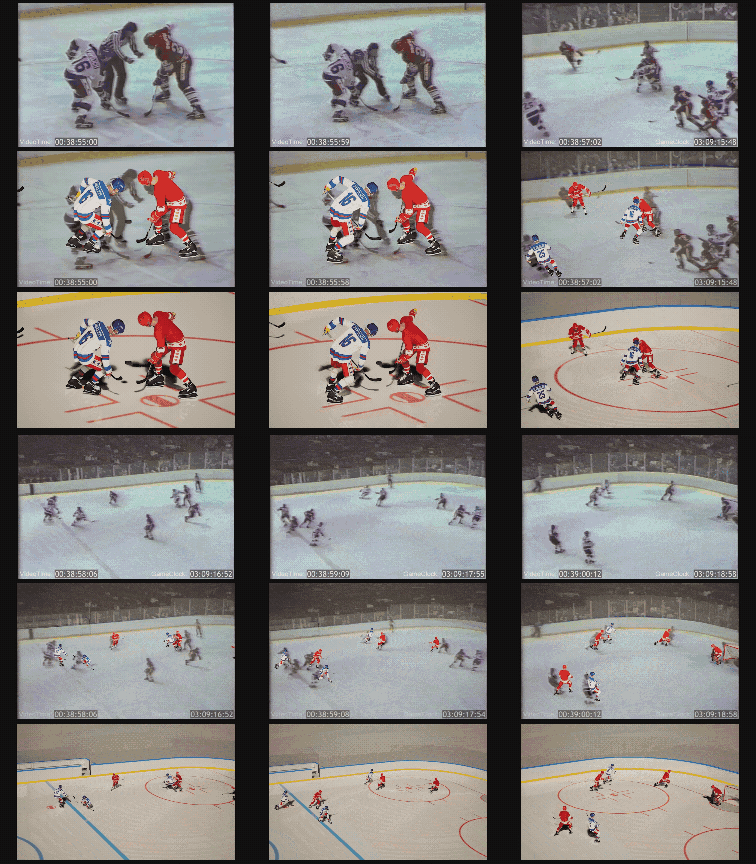
One thing we quickly realized however was that the analog noise from the original broadcast was not playing well with the motion extraction model at all. So using a wan2.2 comfyui workflow I had been researching/developing on previous projects we first “upscaled” the original broadcast to remove the analog noise, and since the ultimate output we were after is the 3D motion data, I didn’t have to worry about frame to frame consistency or hallucination issues that would usually be a pain in the ass for wan2.2 video renders. I just had to make sure that the motion of the players/camera stays consistent which is something that vace is extremely good at.
So once we had this first upscale, it iteratively makes other things more feasible such as running sam3 on this first vace upscaled video provided way better and more consistent masks of the hockey players. Why this was important was that, another discovery I made was that this closed motion extraction tool also did better if we were able to somehow “high-light” the player that we were processing. So I wrote some custom comfyUI sam3 nodes that did just that.
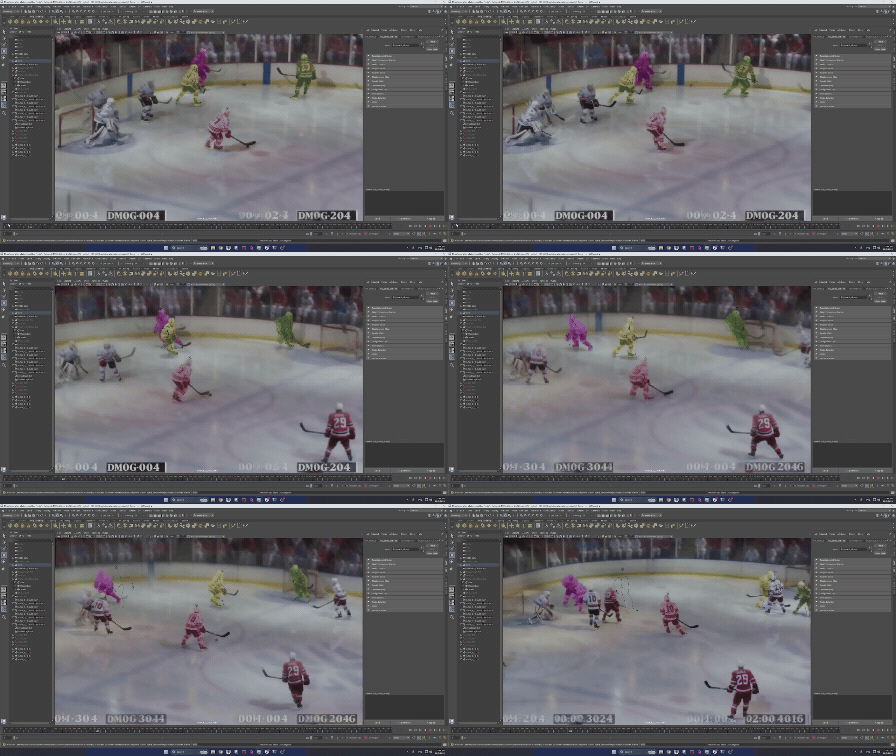
Then after I got this workflow to well, work with a couple of the initial shots it then became just a matter of automation, scaling and deployment! But below are some snippets of what the footage upscaling and de-noising looked like. One thing to note too is that we also did test out the commercially available upscaling models on the market right now such as Topaz but quickly realized that when it comes to a task as specific as this one none of the commercial models can beat the customizability and flexibility wan2.2 affords. I believe that there is still a lot more potential in using video models in ways other than just outputting video renders but that’s a rabbit hole for a different time.
UE Automation Pipeline
Another challenge of this project is the immense scale of all the animations we had to keep track of, at any given time there could be upwards of 15 players on the ice each with separate stick animations that are constantly being updated and pushed. It quickly becomes untenable to manually setup sequencers, luckily I had some previous experience with python automation within Unreal Engine. The additional challenge this time too was our need to also control metahuman control-rigs in a automatable fashion as well, which required creating some custom C++ functionalities.
The main reason behind the need for a lot of these unreal python scripts is also due to the fact that the animation house we’re exclusively works with Autodesk Maya, so we would need a way to completely copy over their work/scenes into Unreal.
In the end here’s a list of all the automation scripts + control rig functionalities that I created:
- Batchable Maya Camera animation data extraction script
- so that we can directly copy the maya scene’s camera zooms and pans in UE
- Auto Import all scene related files from folder dirs into unreal
- Including animation fbx data, camera json data, img sequences of ground truth broadcast footage
- Batch create of sequencers that matching their maya counterparts
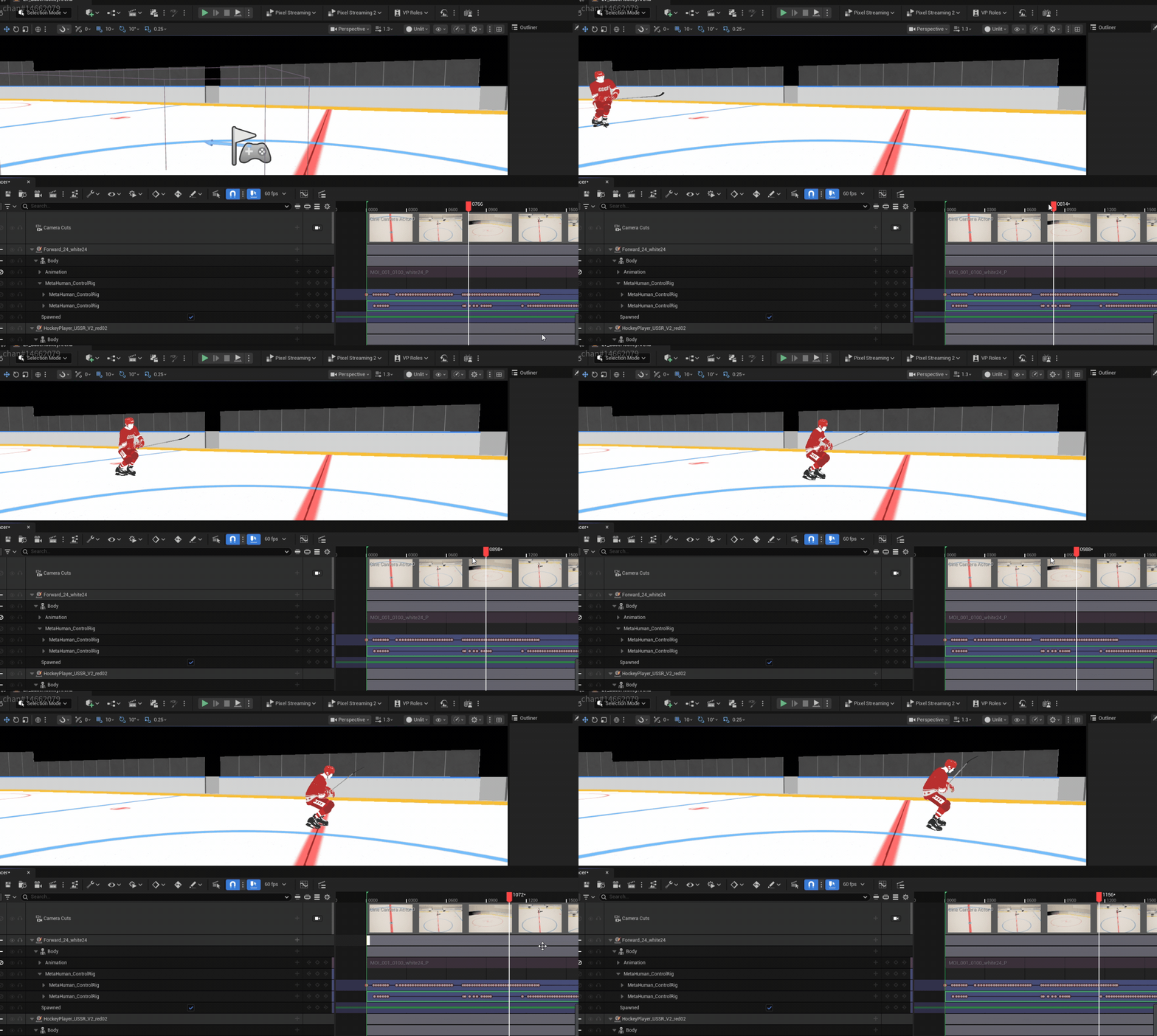
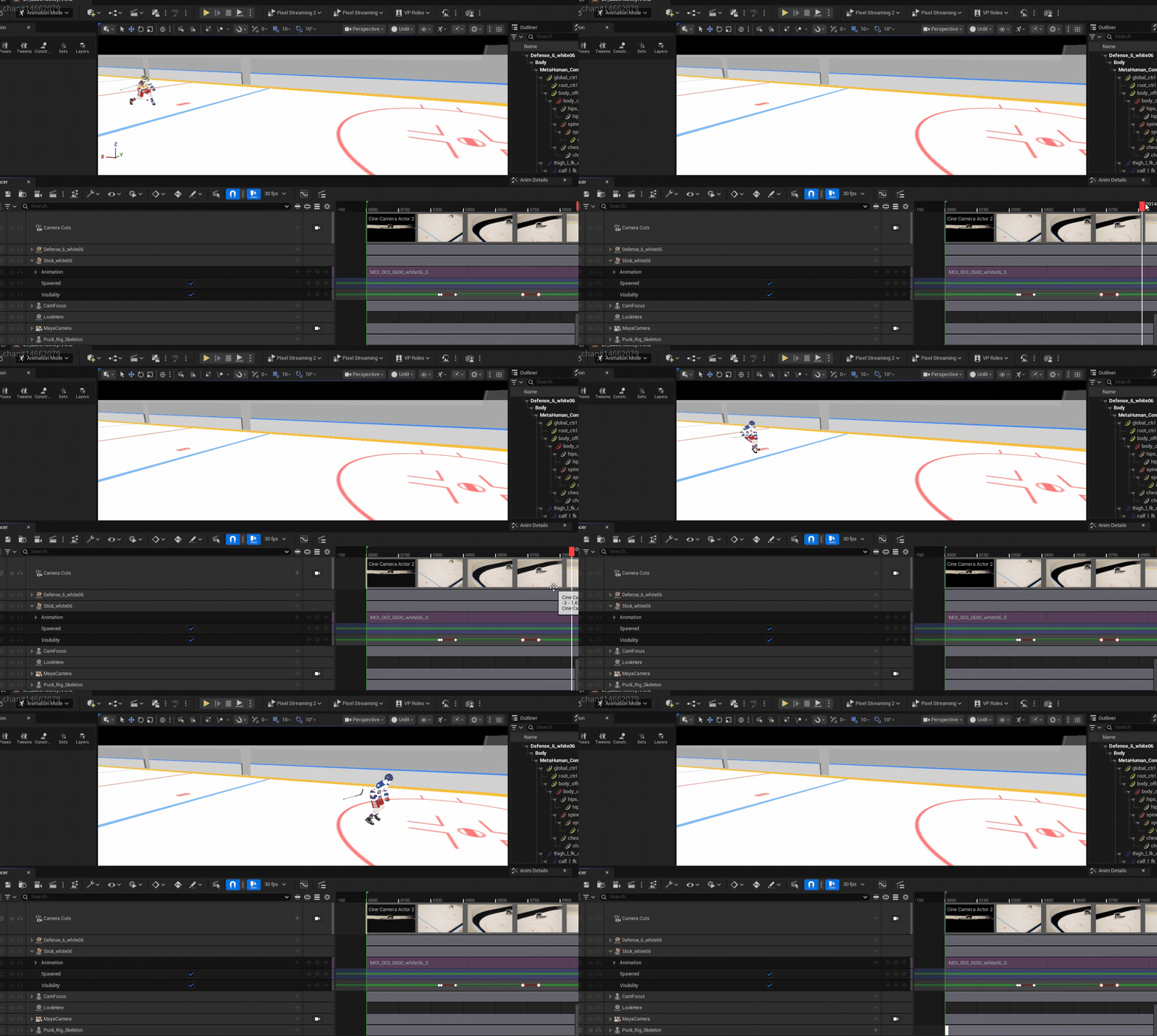
- Auto toggle player visibility based on motion/bone velocity
- Batch baking all player animation fbx data onto metahuman control rigs
- Batch detecting if player skates clip under the ground then correct
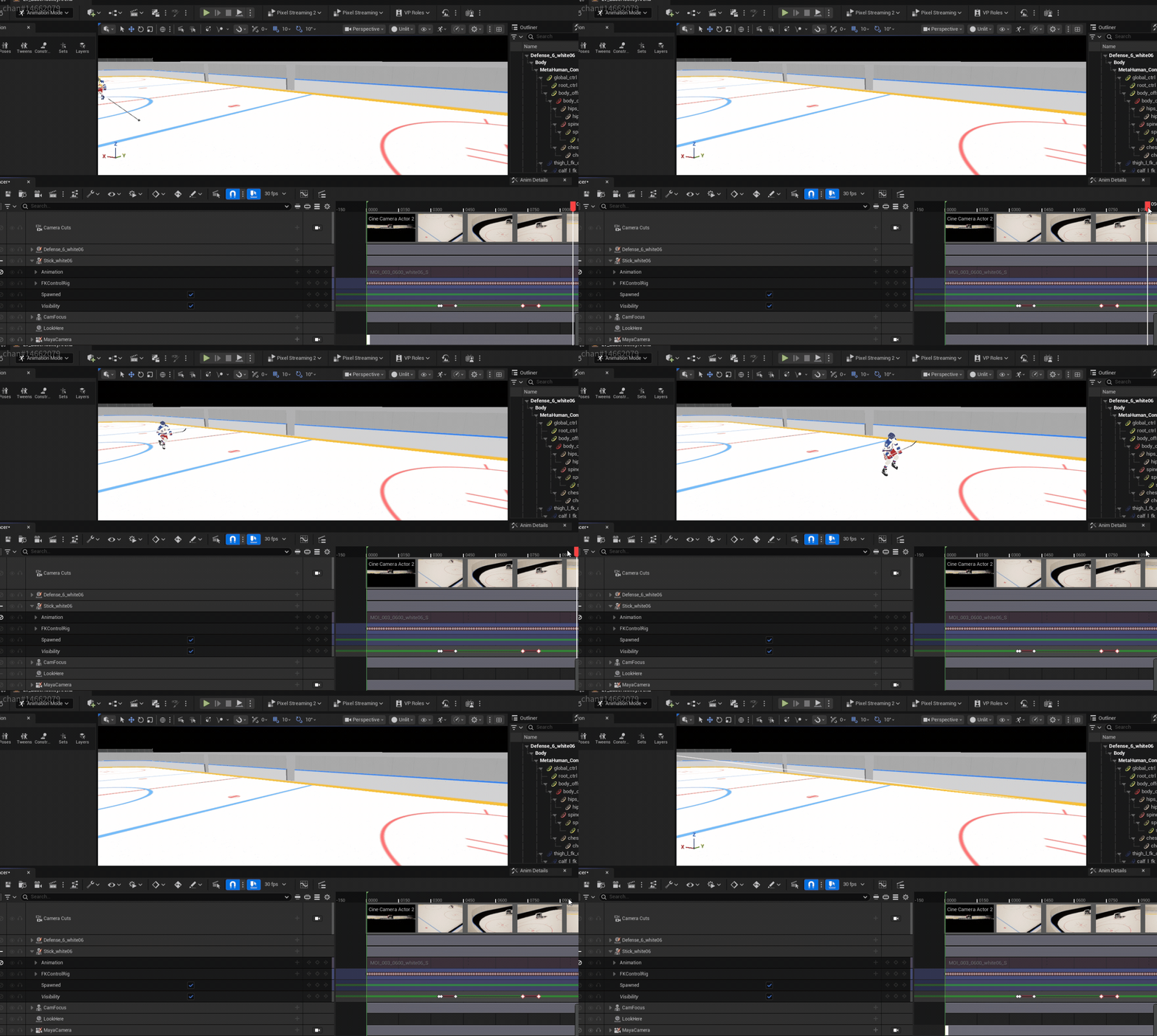
- Batch snapping of player sticks to correct hand socket.
- Batch animation smoothing and cleanup
- Batch rendering setup creation and movie render queue execution
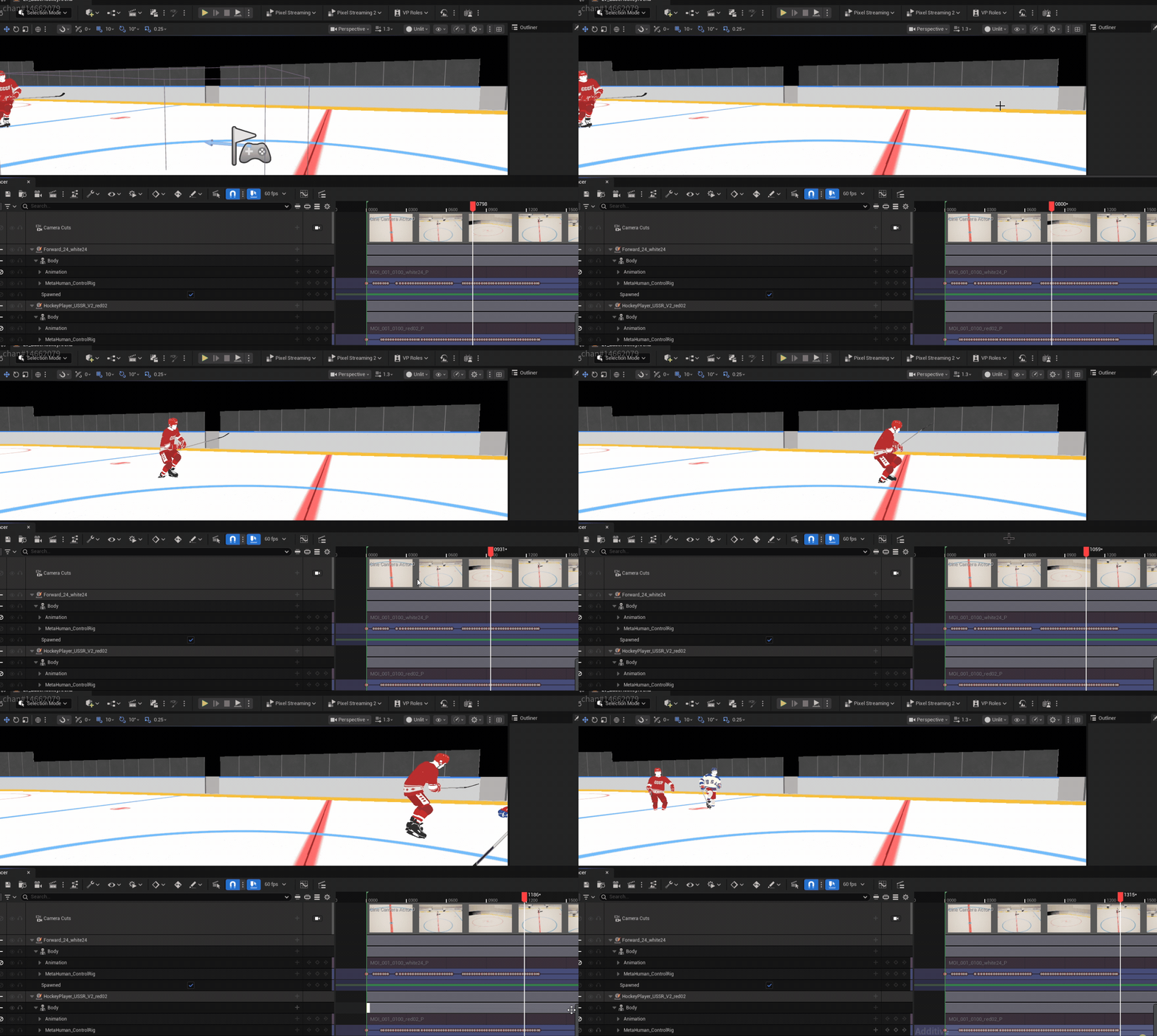
Here are some examples of some of the scripts in action:
Groom Creation
This was a fairly straightforward and simple, groom to create and port over to our metahuman. It helps that the client mainly just wanted hair to fill out Jim Craig’s silhouette and will only ever be shown in a super wide shot, that means that I was able to just focus on re-creating the shape of Jim’s iconic mullet and not have to worry about the mask/strand collisions as much.

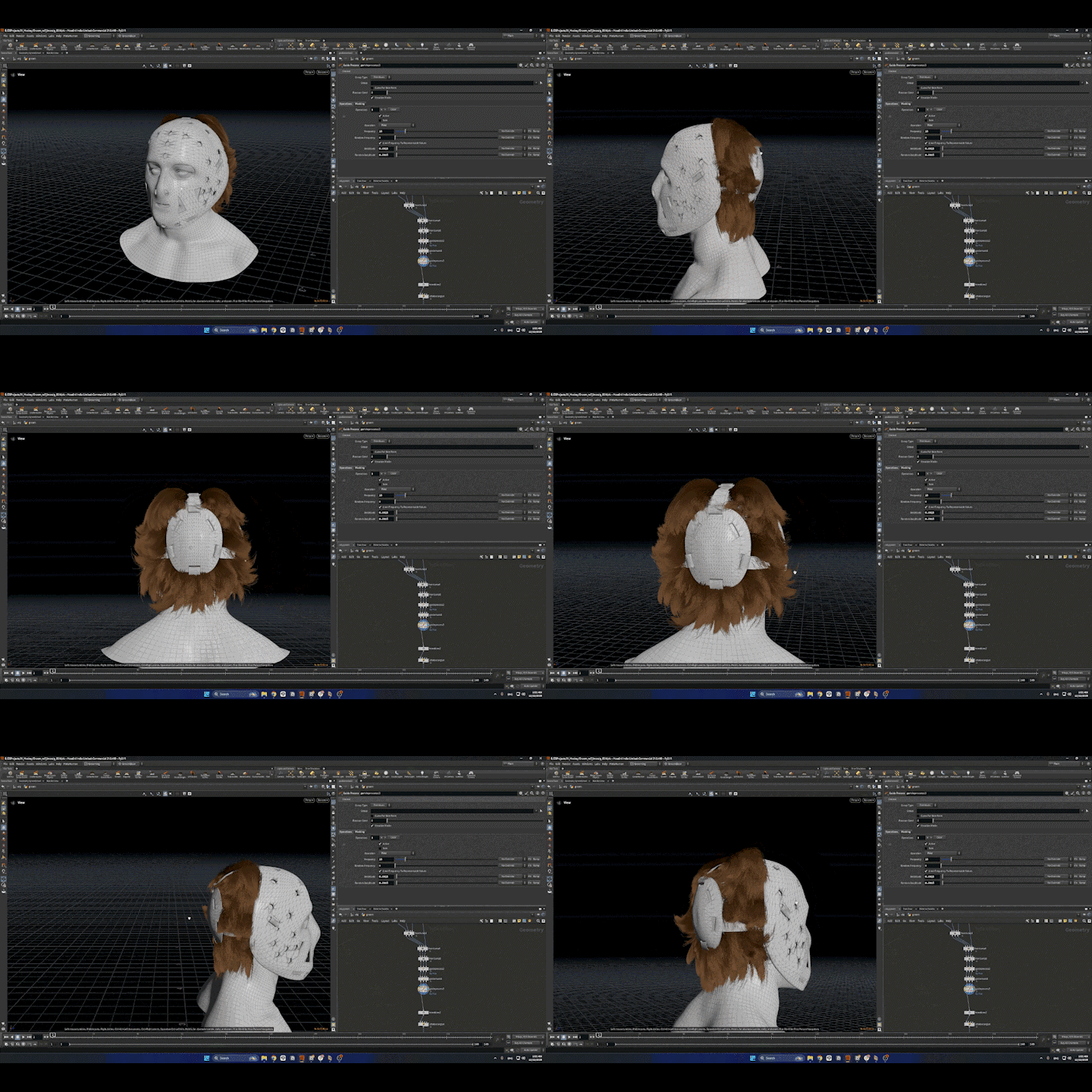

This workflow is one that I am quite familiar with at this point, but what was cool/a different technique I tested out during this groom dev was since I was already experimenting with integrating these new AI tools into older pipelines why not also do the same with this one?
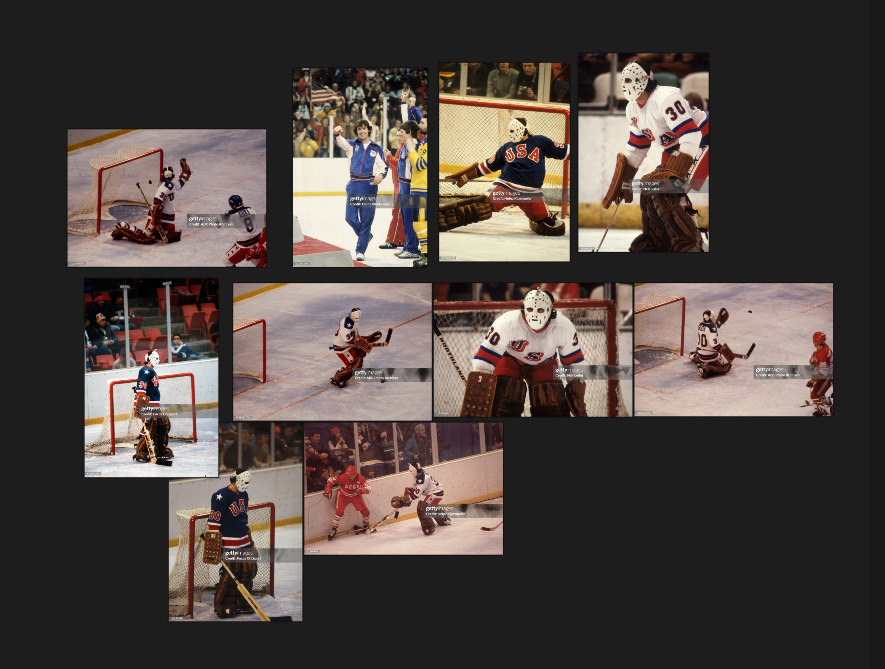
I used nano banana pro to assist, in 2 ways.
- I like working with as much ground truth reference as possible, especially when it comes to recreating a real historical figure. However there aren’t that many great photos of Jim Craig’s hair from certain angles. So using a simple ComfyUI workflow I was able to generate some iterations of these jim craig head-shots based on real life cropped in reference images of him on the ice.
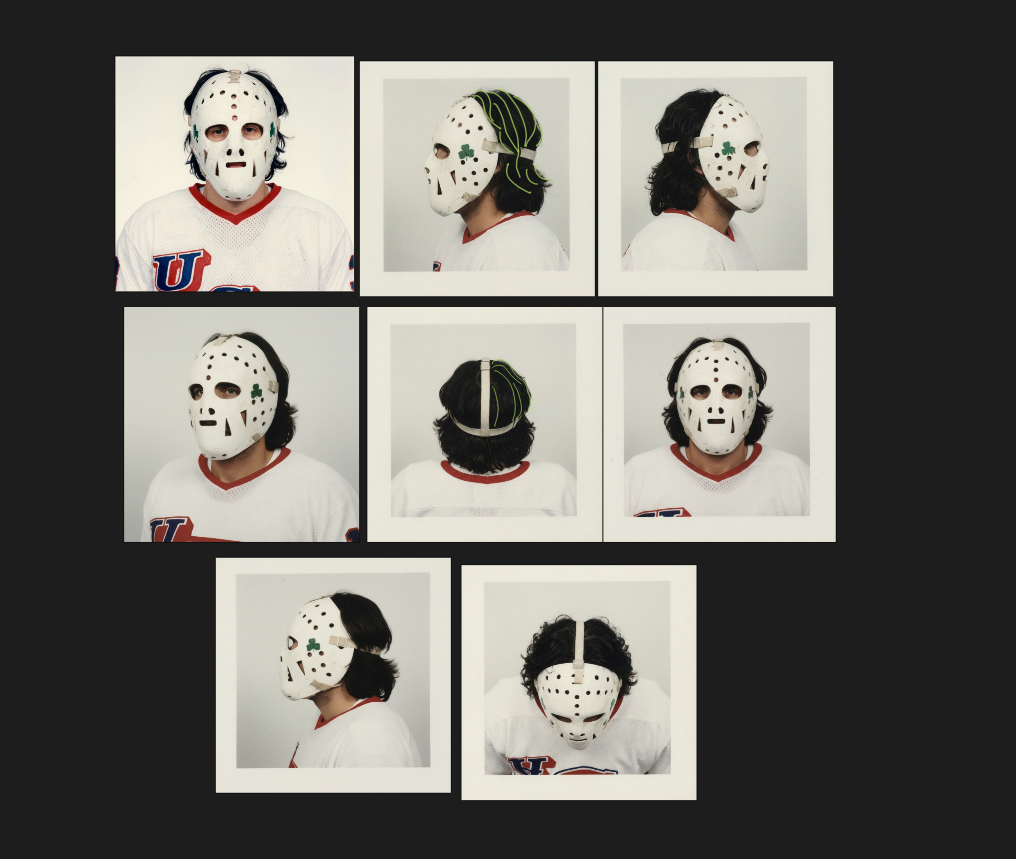
- I did not have as much time to fully flesh out this idea during the groom creation process itself but I was also thinking if I could use nano banana to help me in the initial groom guide creation process as well. There’s some issues with hallucinations but I see a lot of future potential